
Scheduled Agent work does not scale
Your agent solves a problem once by searching. Then it searches again, identically, on every call after. The fix isn't a better agent — it's writing down what the agent found.
Watch an agent do real work and you'll see something impressive: it reads a file, notices the schema is wrong, backtracks, tries a different tool, checks the output, and gets there. It searched its way to an answer.
Now watch it do the same task tomorrow. It searches again. Same dead ends, same backtracking, same tokens, same latency. The tenth time. The ten-thousandth time.
That's the part that bothers me. Not the cost, though the cost is real. It's that we found the answer and then threw it away.
Design time and runtime are different jobs
Compilers made this distinction a long time ago, and it stuck because it's true. There is a phase where you figure out what the program should do, and a phase where the program runs. They have opposite requirements.
Design time wants exploration. It should be able to try things, read documentation, guess wrong, and recover. It's slow and expensive and that's fine, because you only pay for it while you're designing.
Runtime wants the opposite. It should do exactly the same thing every time, fail loudly when the world changes, and cost roughly nothing. Nobody wants their production pipeline to be creative at 3am.
An LLM is an outstanding design-time tool. It is a strange choice of runtime. Most "agentic workflows" in production today are using it as both, which is why they're slow, expensive, and impossible to reason about.
If you already catch yourself repeating the same prompt, this is probably what you reach for today — a scheduled task that re-runs the conversation on a timer:
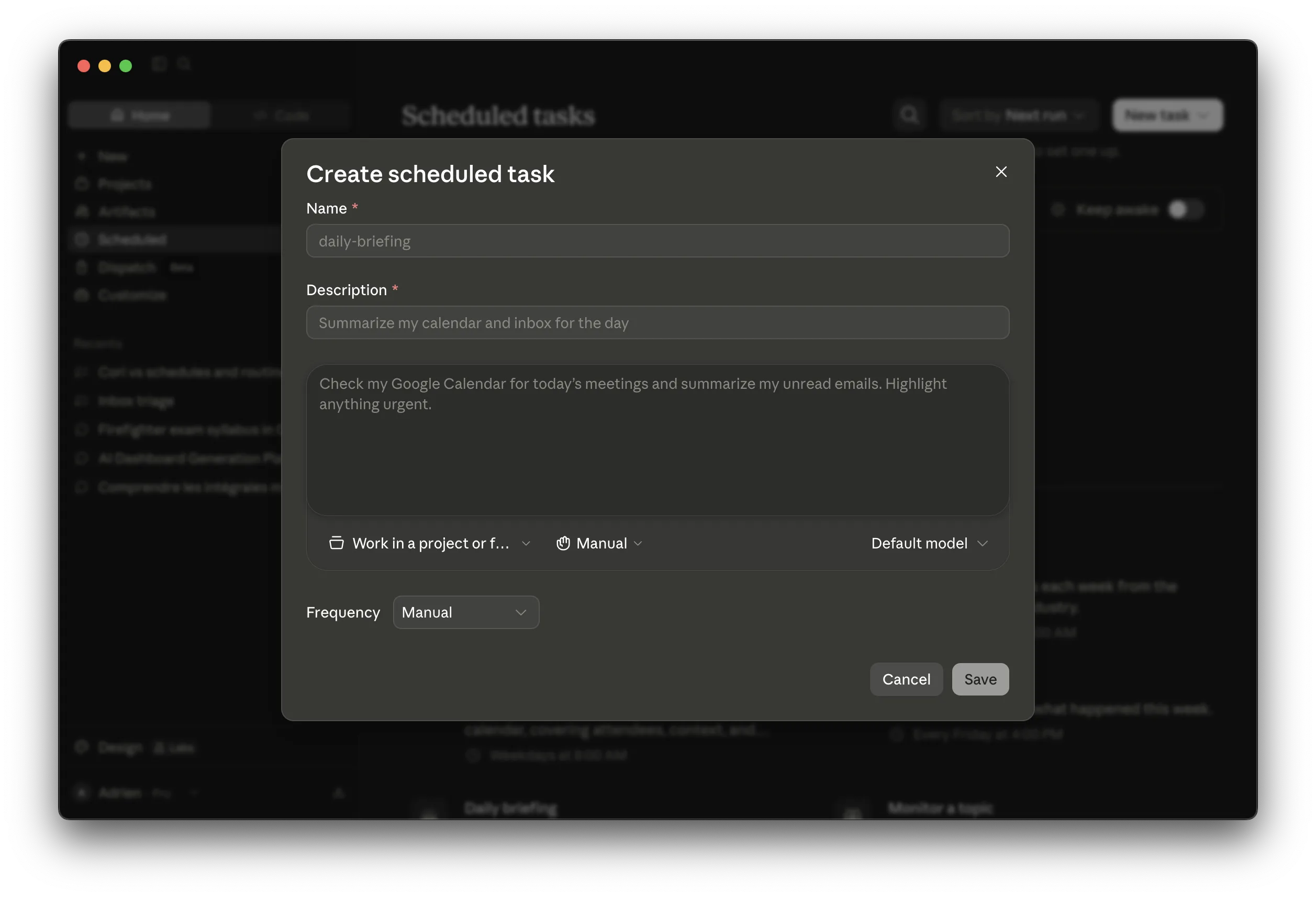
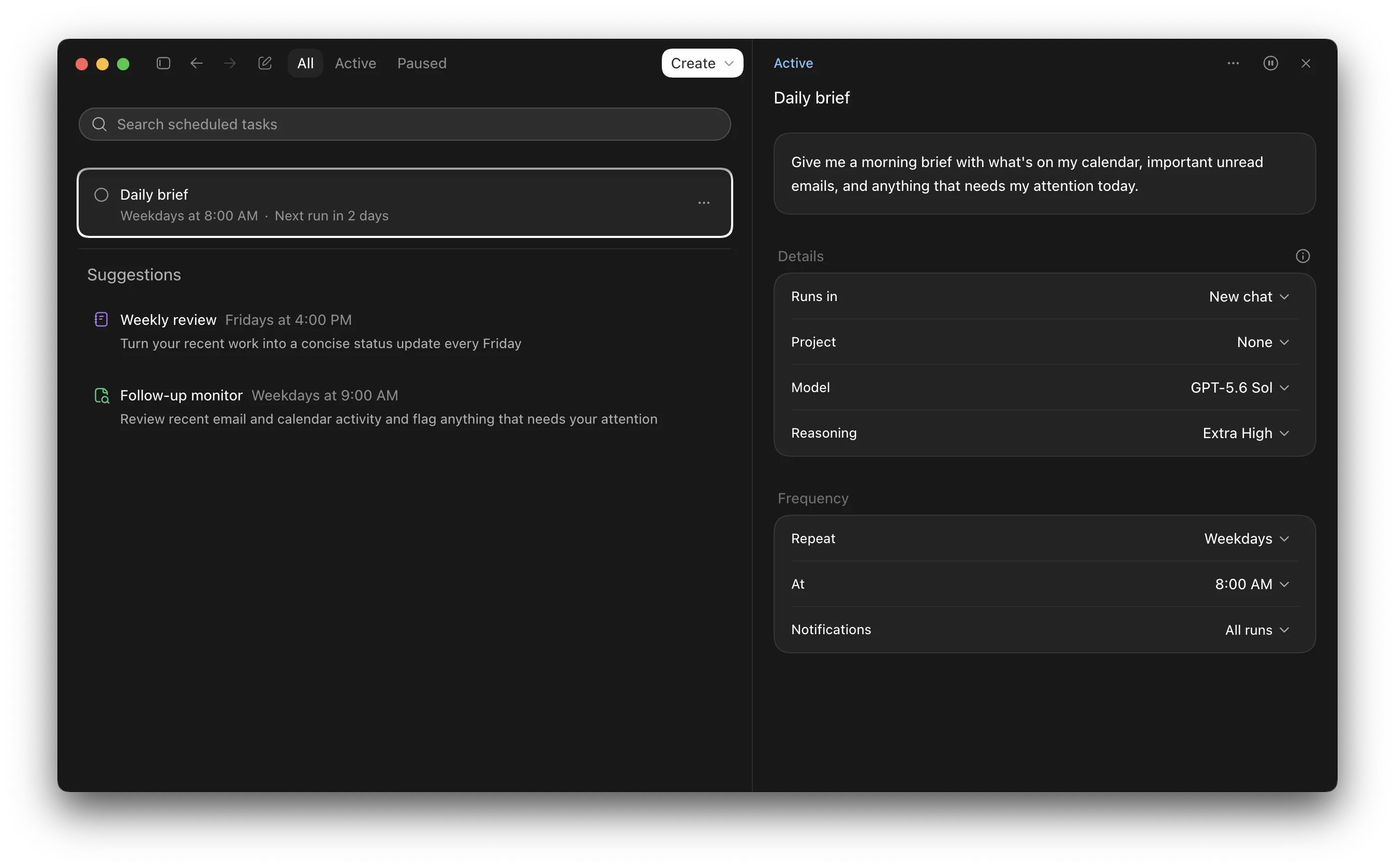
Both are useful, and both are the same idea: store the prompt, re-run the conversation. The agent still searches its way to the answer every single time — you've scheduled the rediscovery, not the discovery.
What we do about it
Cori's whole premise is a save button on the design phase.
You work with your agent the way you already do — Claude Code, Codex, Cursor, or any other agent that supports skills. Give it the Cori skill, and when the work is right, say save_workflow. The skill writes down what the agent just did:
> save_workflow

writing workflow:
  translate_product_sheets_fr/
  ├── manifest.toml
  ├── steps/
  │   ├── 01_fetch_sheet.ts
  │   ├── 02_normalize.ts
  │   ├── 03_check_gpsr.ts
  │   └── 04_translate.ts
  └── fixtures/
That's a directory in your repo. Not a trace, not a prompt template, not a row in someone's database — TypeScript files you can read, edit, review, and delete.
Each step is one of five kinds, and each one is typed at both ends:
// steps/03_check_gpsr.ts
export default step.code({
  id: "check_gpsr",
  input: SheetSchema,
  output: GpsrResult,
  run: async ({ input }) => {
    const missing = REQUIRED_FIELDS.filter((f) => !input[f]);
    return { compliant: missing.length === 0, missing };
  },
});
There is no prompt hidden in there. There is nothing to interpret at runtime. It's a function.
Simple on purpose
The Cori SDK is deliberately small. It gives you five building blocks: cli for tools already on your machine, mcp_tool for connected services, code for deterministic transformations, llm for the places that genuinely need a model, and builtin for flow control.
That small surface is intentional. Those primitives compose into almost anything you would want a workflow to do, without turning the SDK itself into another system you have to learn. A workflow stays a sequence of familiar operations that you can read from top to bottom.
The interesting one is llm. We didn't remove models from runtime — sometimes you genuinely need one in the loop, and translating a product description is a good example. What changed is that the call is declared: a step with a schema on the way in and a schema on the way out, visible in the diff when someone adds one.
The difference between "this workflow makes one LLM call" and "this workflow might make any number of LLM calls depending on what it decides" is the difference between a system you can operate and one you can only hope about.
Running it
When the workflow is ready, run the folder directly:
cori run ./translate_product_sheets_frCori loads it from disk, checks it, and runs it. The saved workflow is now the thing being executed — not the conversation that produced it.
When not to use this
I'd rather say this here than have you find out later.
Cori is for workflows that have settled. The shape of the input is stable, the steps don't change much between runs, and you're going to run it many more times than you're going to redesign it. Order processing, report generation, content pipelines, data cleanup.
If the task is genuinely different every time — open-ended research, one-off analysis, anything where the interesting part is the searching — then an agent is the right tool and you should keep using one. Compiling a workflow that runs twice is a waste of your afternoon.
Both things can be true. The agent is how you figure it out. The engine is what you ship.
Try it
The desktop app bundles the engine, so there's one download and nothing else to install. Open the launcher, paste cori-do/workflows, and run hello_world — three steps, half a second, no credentials.
Then give your agent the skill:
npx skills add cori-do/coriNext time it figures something out, you get to keep it.